 Brickify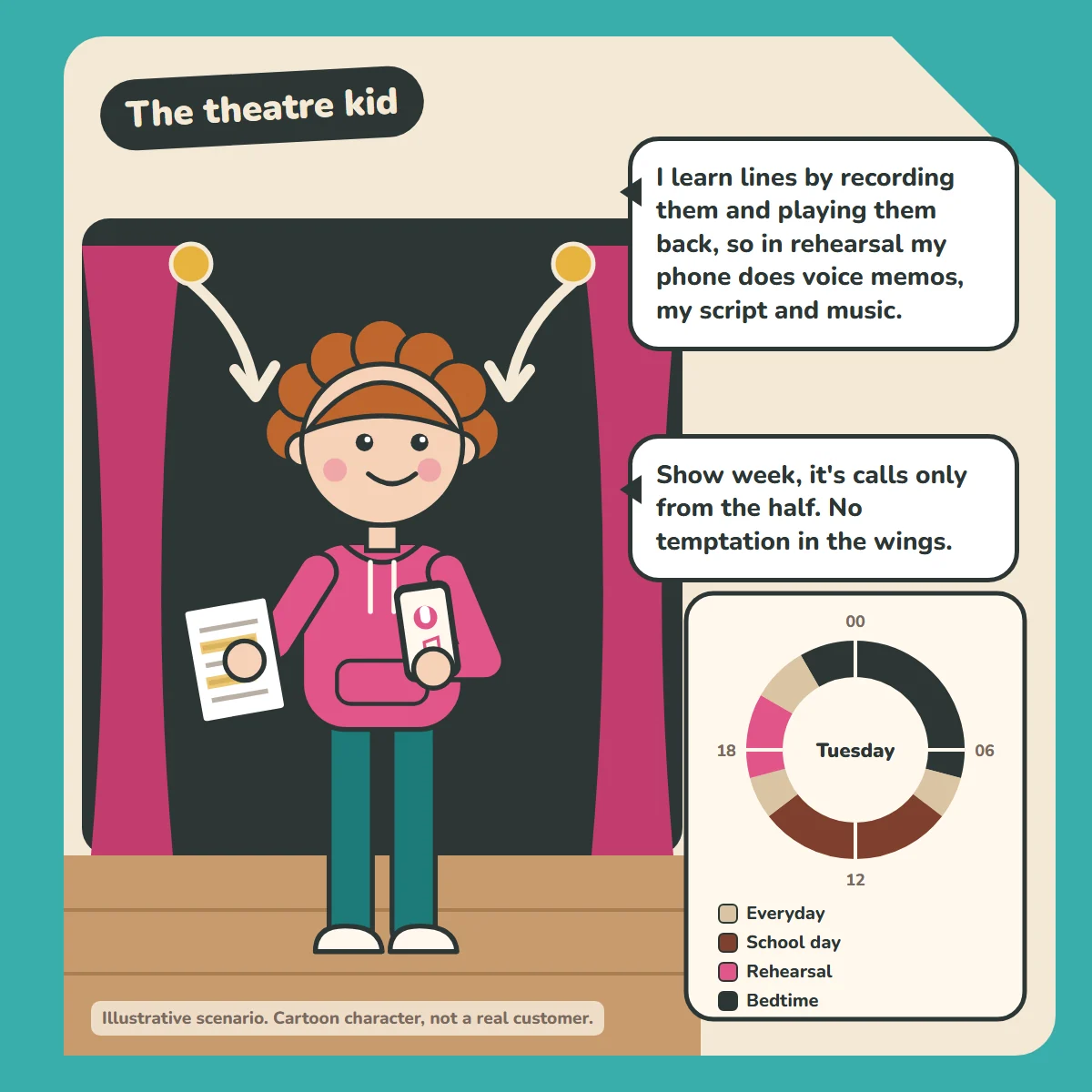
"I learn lines by recording them and playing them back, so in rehearsal my phone does voice memos, my script and music."
"Show week, it's calls only from the half. No temptation in the wings."
How the week is set up
- Everyday (default): calls, texts, maps, music, voice memos and script PDFs. Runs whenever nothing else is scheduled.
- School day: Mon to Fri, 08:30 to 15:30: calls and texts only.
- Rehearsal: Tue and Thu, 17:00 to 20:00, and Sat, 10:00 to 13:00: calls, voice memos, script PDFs and music.
- Show week: added for that week only, Mon to Sat, 18:55 to 22:00 (from the half to curtain down): calls only. Replace Rehearsal that week so the two don't overlap, and delete Show week after the last night.
- Bedtime: every night, 22:00 to 07:00: calls only.
How the profiles work: there's one default profile, which the phone falls back to whenever nothing else is scheduled. The other profiles run on their own schedules, and there's always an overnight one. The schedules don't overlap, so it's always clear which profile is running. Emergency calls always work, whatever profile is active.
Good to know
The camera isn't part of the Rehearsal profile. Many youth theatres don't allow filming at rehearsals, for safeguarding.
For parents
Profiles that fit their timetable, not just the school's. See how Brickify works to set this up, or browse more example weeks in our Guides.
Ready to Brickify it?
On your schedule. One-time purchase, no tracking.