 Brickify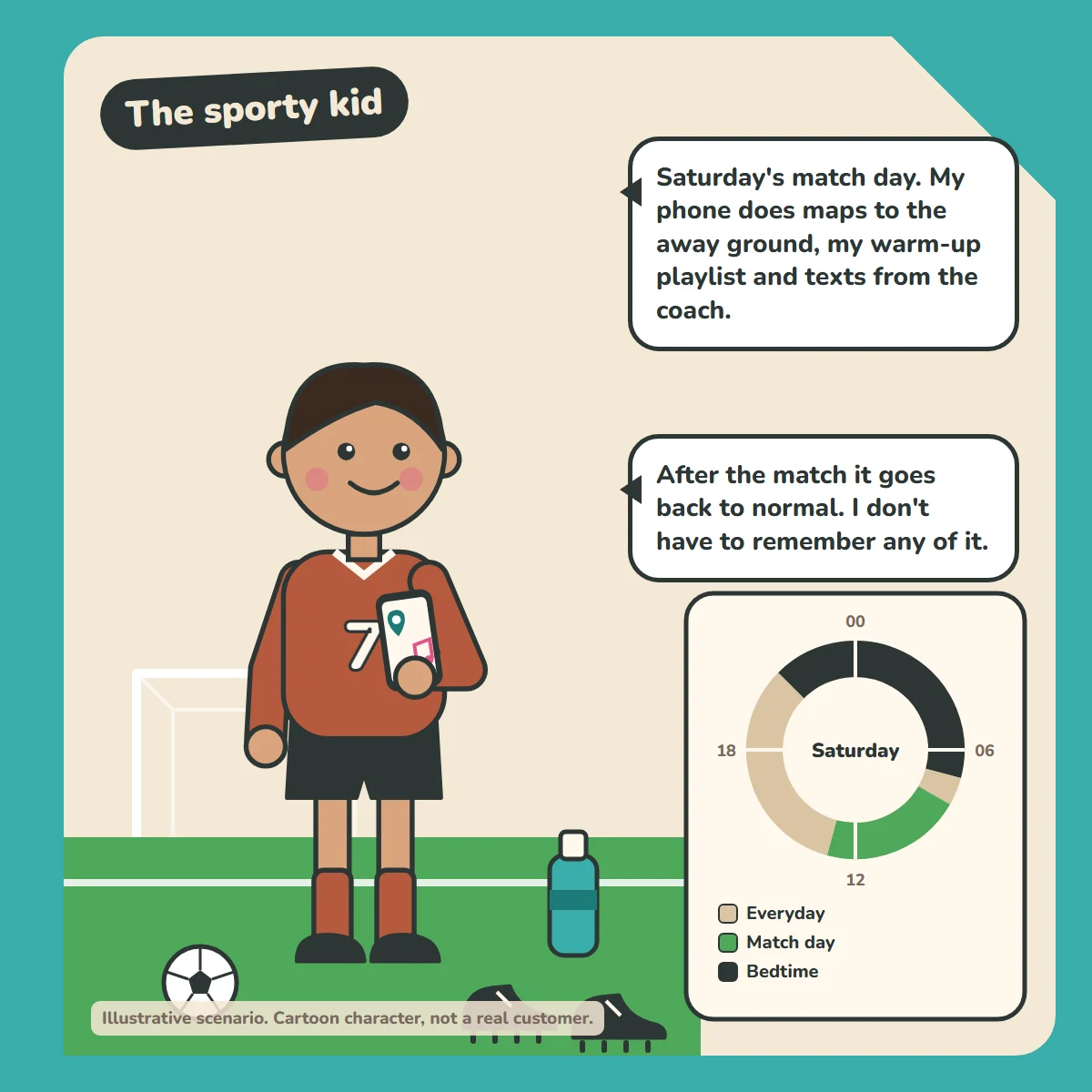
"Saturday's match day. My phone does maps to the away ground, my warm-up playlist and texts from the coach."
"After the match it goes back to normal. I don't have to remember any of it."
How the week is set up
- Everyday (default): calls, texts, maps, music and camera. Runs whenever nothing else is scheduled: after school, evenings and Sundays.
- School day: Mon to Fri, 08:00 to 15:30: calls and texts only.
- Training: Tue and Thu, 16:30 to 18:30: calls, maps and music.
- Match day: Sat, 08:00 to 13:00: calls, maps, music, and texts from the coach.
- Bedtime: every night, 21:00 to 07:00: calls only.
How the profiles work: there's one default profile, which the phone falls back to whenever nothing else is scheduled. The other profiles run on their own schedules, and there's always an overnight one. The schedules don't overlap, so it's always clear which profile is running. Emergency calls always work, whatever profile is active.
For parents
Build a Match-day profile once. It runs every Saturday. See how Brickify works to set this up, or browse more example weeks in our Guides.
Ready to Brickify it?
On your schedule. One-time purchase, no tracking.