 Brickify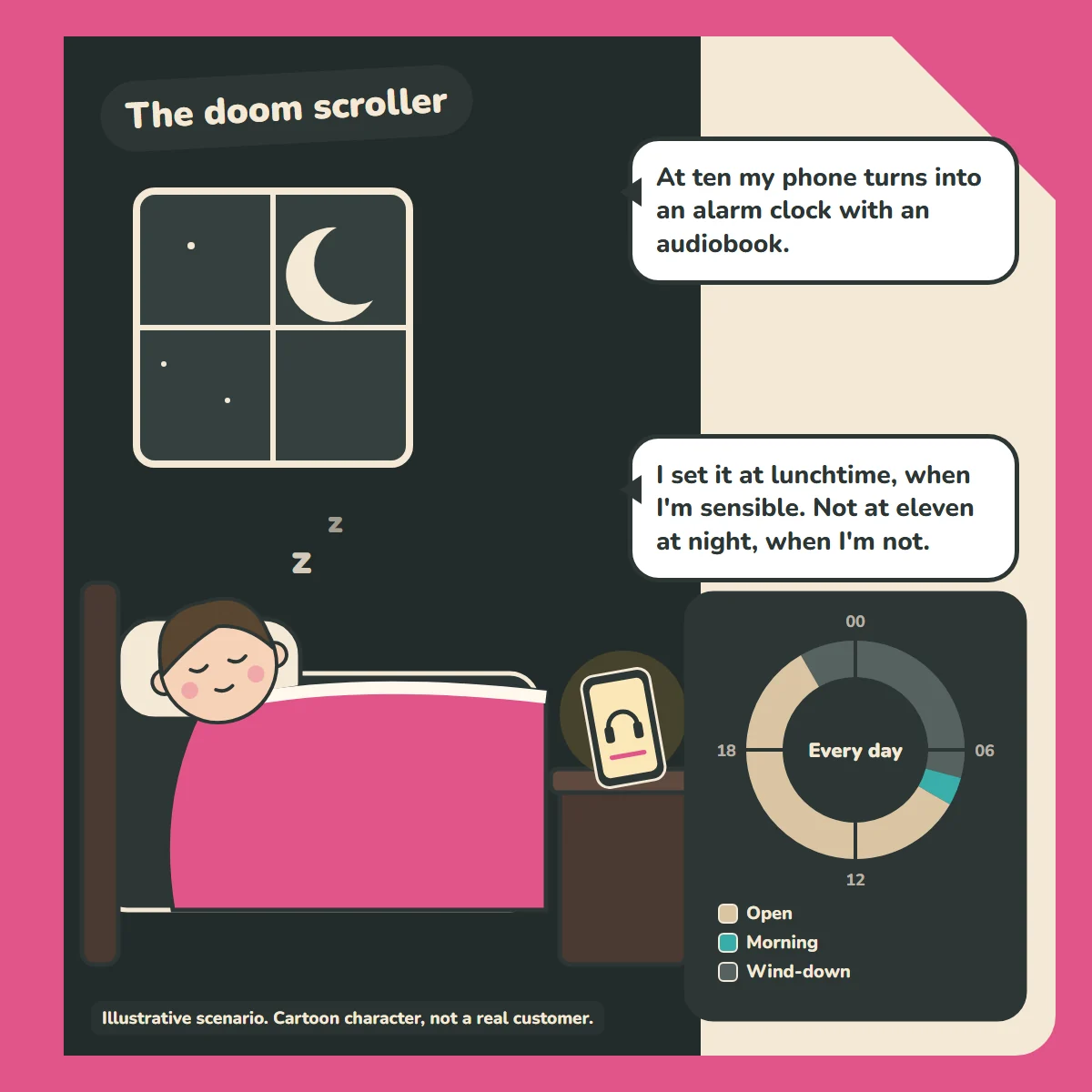
"At ten my phone turns into an alarm clock with an audiobook."
"I set it at lunchtime, when I'm sensible. Not at eleven at night, when I'm not."
How the week is set up
- Open (default): everything. Runs whenever nothing else is scheduled: 08:00 to 22:00.
- Wind-down: every night, 22:00 to 07:00: calls, alarm and an audiobook app.
- Morning: every day, 07:00 to 08:00: calls, texts, alarm, music and maps. News and social stay blocked.
How the profiles work: there's one default profile, which the phone falls back to whenever nothing else is scheduled. The other profiles run on their own schedules, and there's always an overnight one. The schedules don't overlap, so it's always clear which profile is running. Emergency calls always work, whatever profile is active.
For parents
See how Brickify works to set this up, or browse more example weeks in our Guides.
Ready to Brickify it?
On your schedule. One-time purchase, no tracking.