 Brickify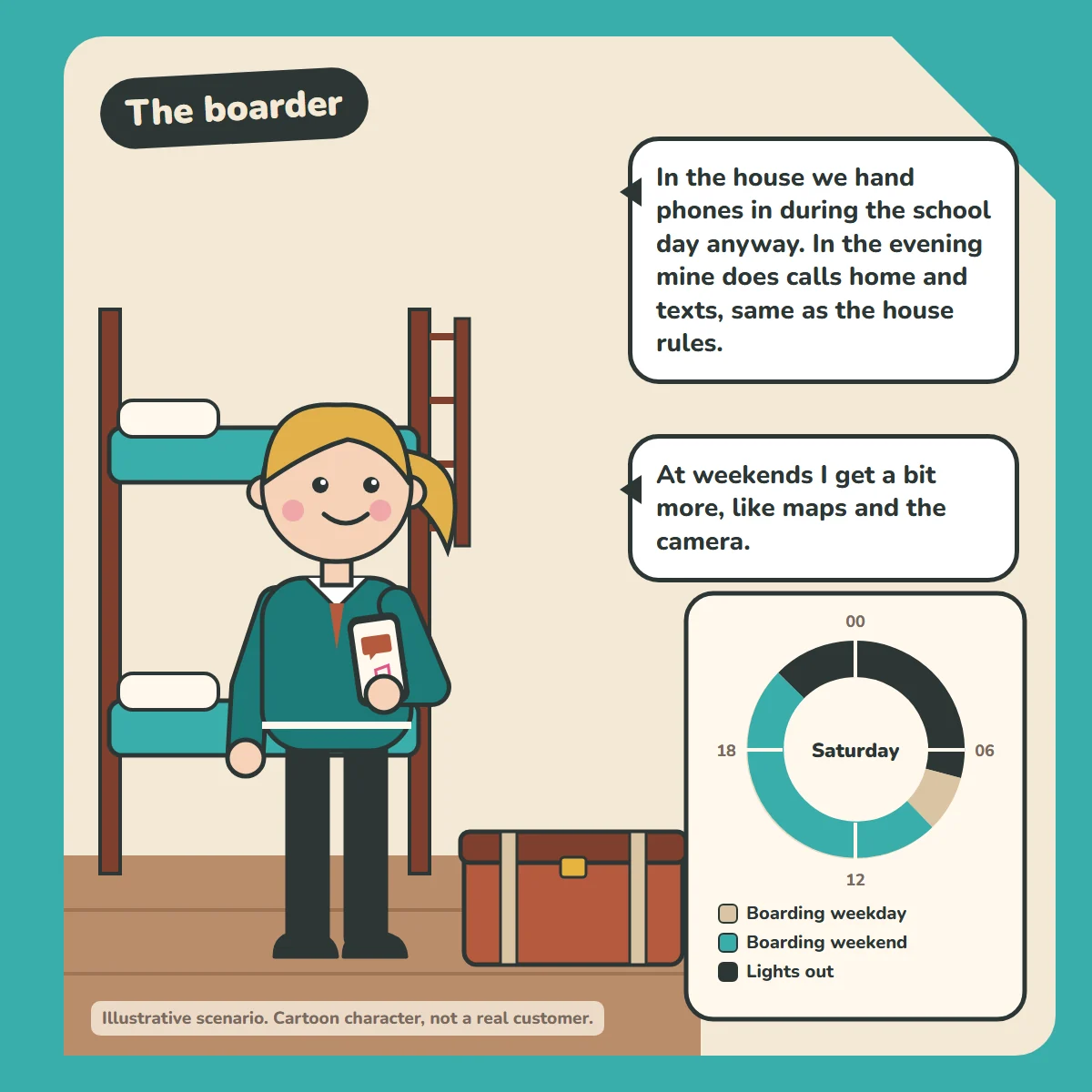
"In the house we hand phones in during the school day anyway. In the evening mine does calls home and texts, same as the house rules."
"At weekends I get a bit more, like maps and the camera."
How the week is set up
- Boarding weekday (default): calls home, texts and music, matching the house's own rules (phones are handed in during the school day anyway). Runs whenever nothing else is scheduled, which in term time means weekdays.
- Boarding weekend: Sat and Sun, 09:00 to 21:00: calls, texts, music, maps and camera, matching the house rules for weekends in the house. Parents can add apps on exeat weekends, when the phone is home and they want to enable more. For the holidays, make this the default profile and schedule it all week.
- Lights out: every night, 21:00 to 07:00: calls only.
How the profiles work: there's one default profile, which the phone falls back to whenever nothing else is scheduled. The other profiles run on their own schedules, and there's always an overnight one. The schedules don't overlap, so it's always clear which profile is running. Emergency calls always work, whatever profile is active.
Good to know
Changing profiles currently needs the phone in your hand, so parents can't change it remotely. Switch the term-time schedules on at the start of term and off at the end, while the phone is at home.
Brickify supports the house's rules. It doesn't replace them.
For parents
See how Brickify works to set this up, or browse more example weeks in our Guides.
Ready to Brickify it?
On your schedule. One-time purchase, no tracking.