 Brickify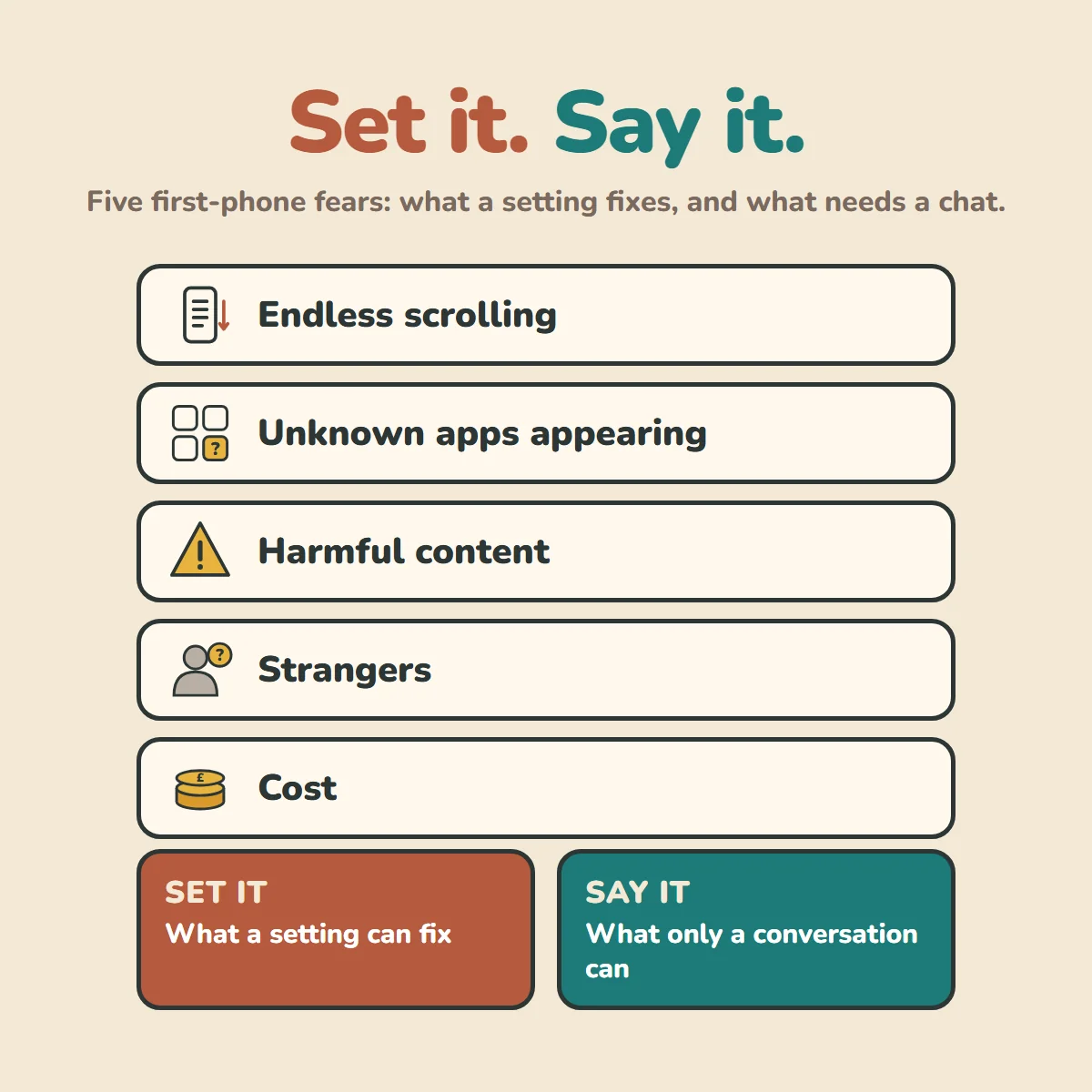
Brickify fits in between a dumb phone and a smartphone. But we only suggest it if your child is ready: 6 signs your child is ready for their first phone helps you work that out.
We still have fears when we give a child a device. Here are my top five, where a setting helps, and where a conversation is still needed. What matters most: no app replaces your child knowing they can come to you.
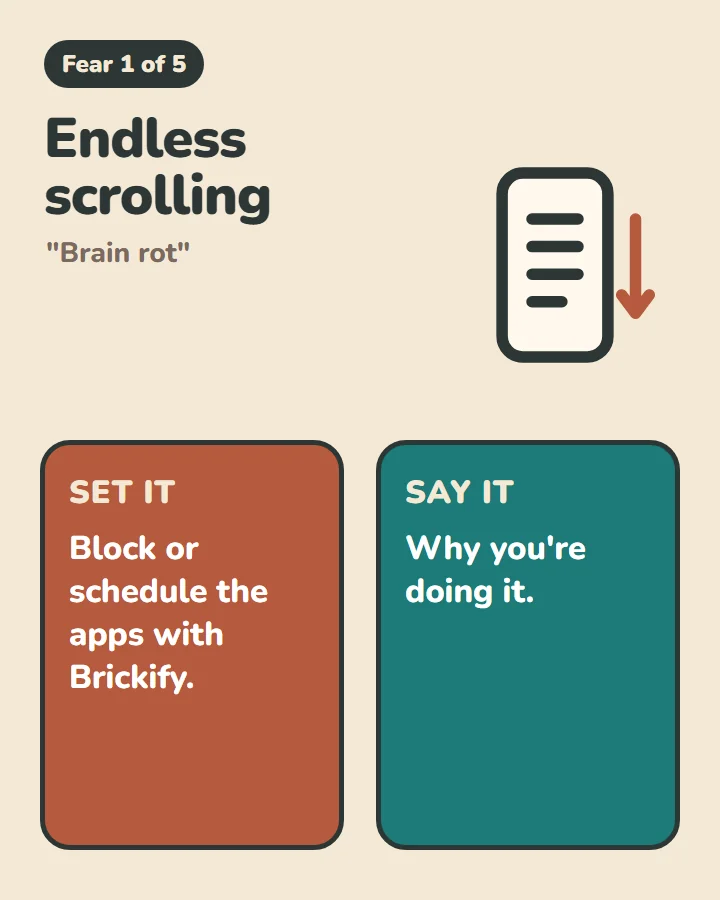
Endless scrolling ("brain rot")
Set it: Block or schedule the apps with Brickify.
Say it: Why you're doing it.
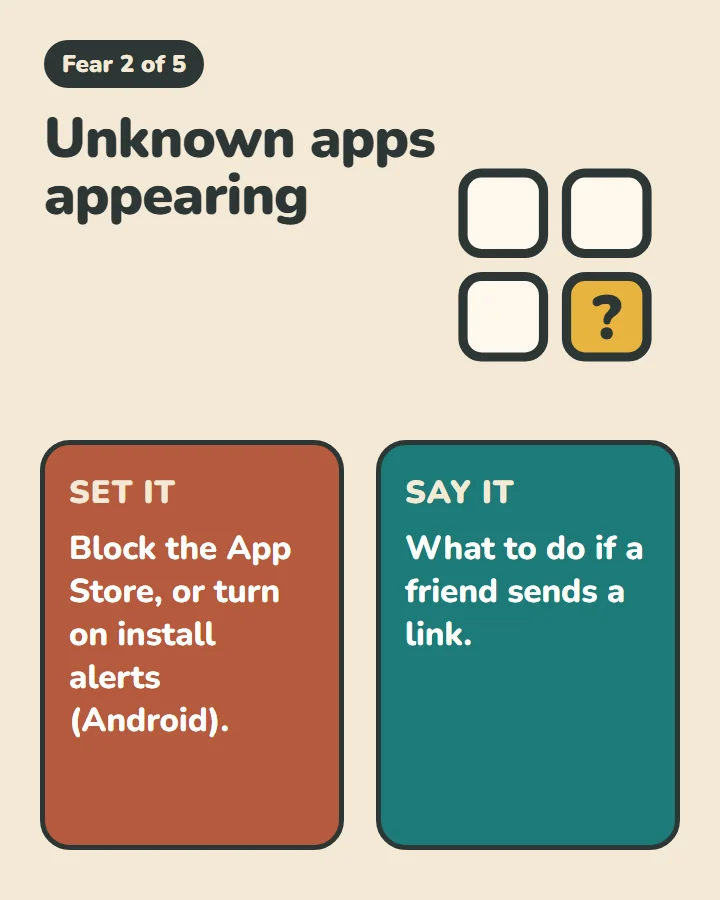
Unknown apps appearing
Set it: Block the App Store, or turn on install alerts (Android).
Say it: What to do if a friend sends a link.
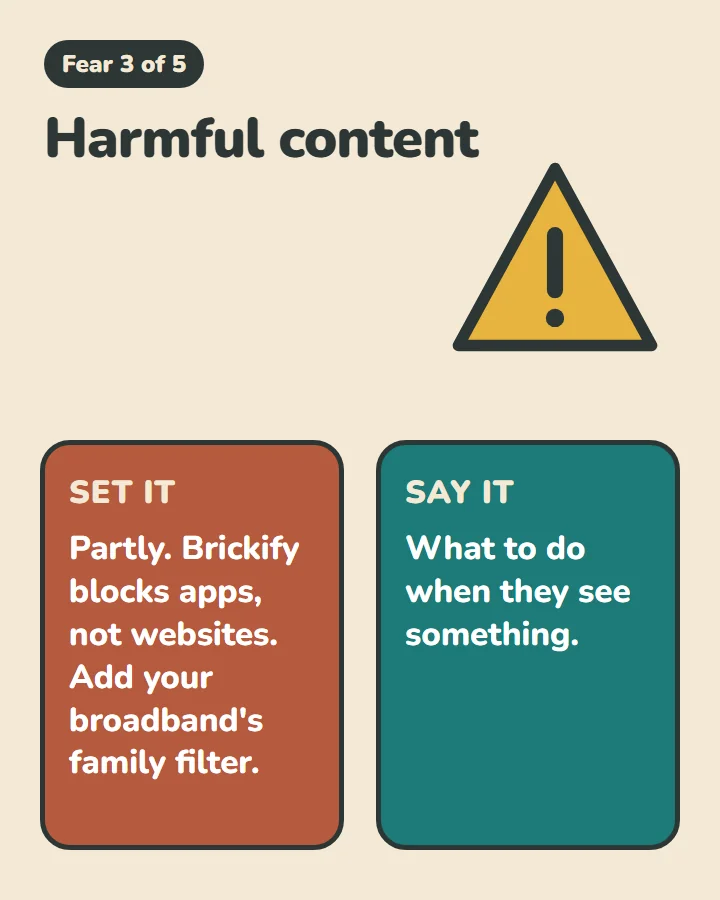
Harmful content
Set it: Partly. Brickify blocks apps, not websites. Add your broadband's family filter.
Say it: What to do when they see something.
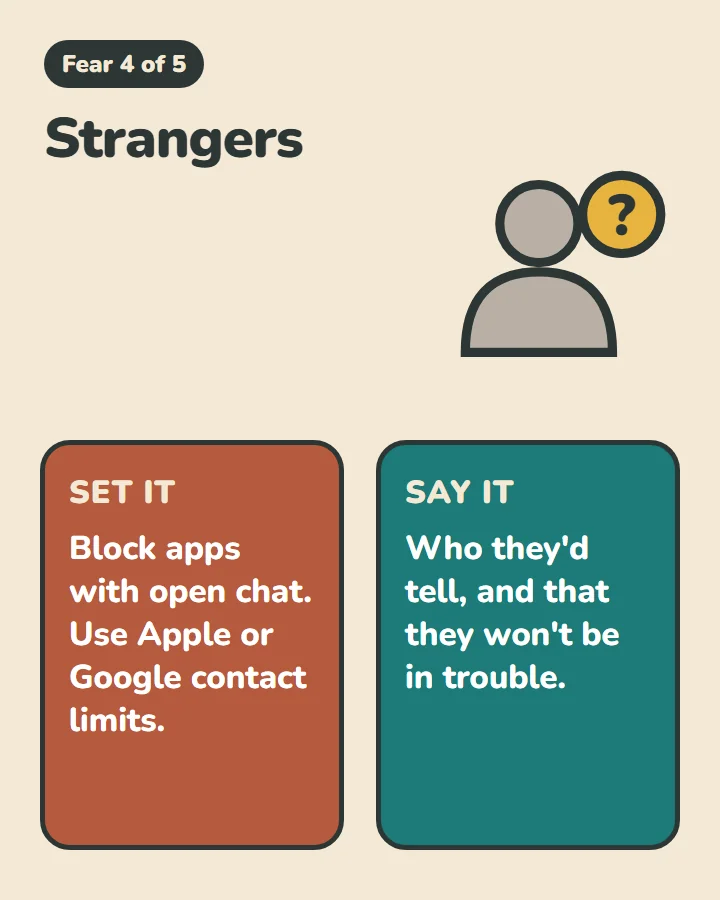
Strangers
Set it: Block apps with open chat. Use Apple or Google contact limits.
Say it: Who they'd tell, and that they won't be in trouble.
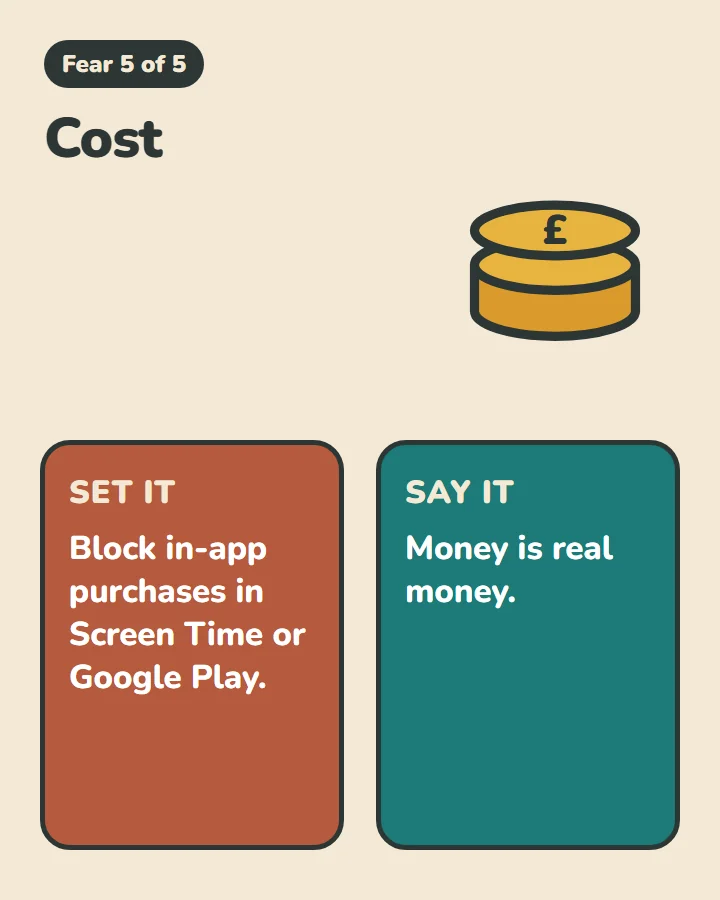
Cost
Set it: Block in-app purchases in Screen Time or Google Play.
Say it: Money is real money.
Brickify handles the first column. The second one's yours.
Put it in writing
I've also used the Social Workers Toolbox Family Mobile Phone Agreement, which sets out how we as a family will use devices. Signing a contract with me seemed exciting and grown up to my sons!
Ask your school
Every school covers online safety in its PSHE lessons too. I'd encourage you to find out what your school teaches, because schools have good, age-appropriate explanations of harmful content, sextortion and the like.
Ready to Brickify it?
On your schedule. One-time purchase, no tracking.