 Brickify
The seven things
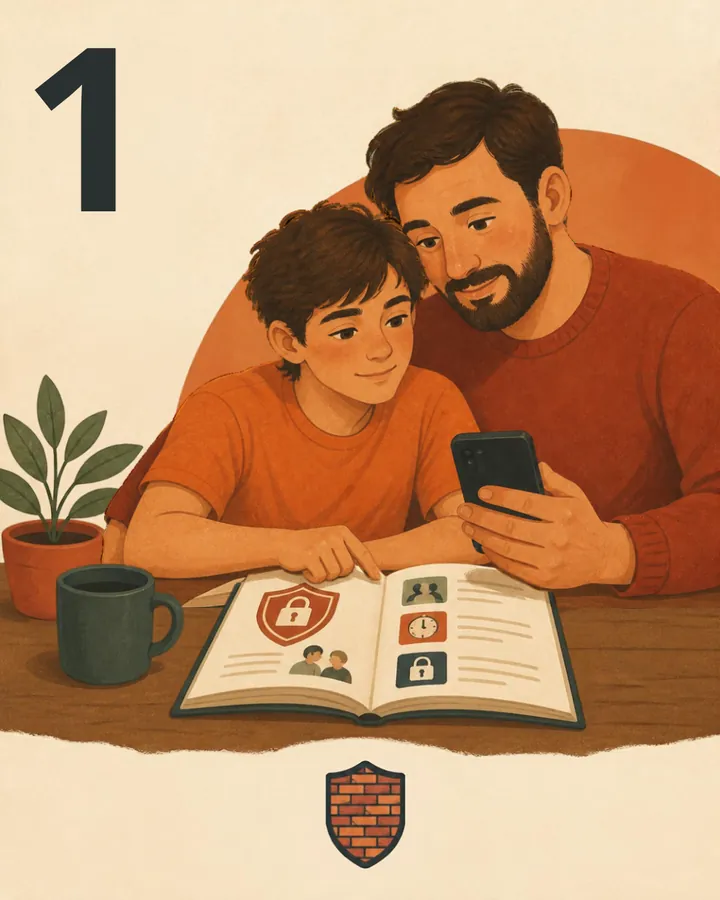
Understand the why
There are loads of age-appropriate guides about why you are controlling the use of a smartphone. Some links are at the bottom. When your child understands why you're doing this, it helps them get on board.
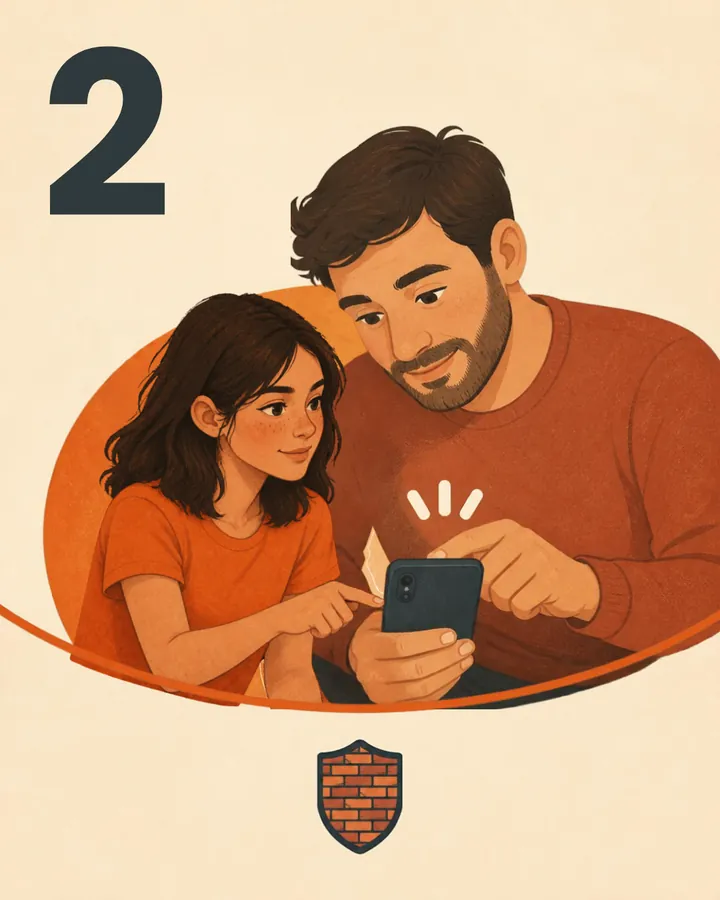
Agree it together, set the profiles together
A rule your child helped make is harder to resent.
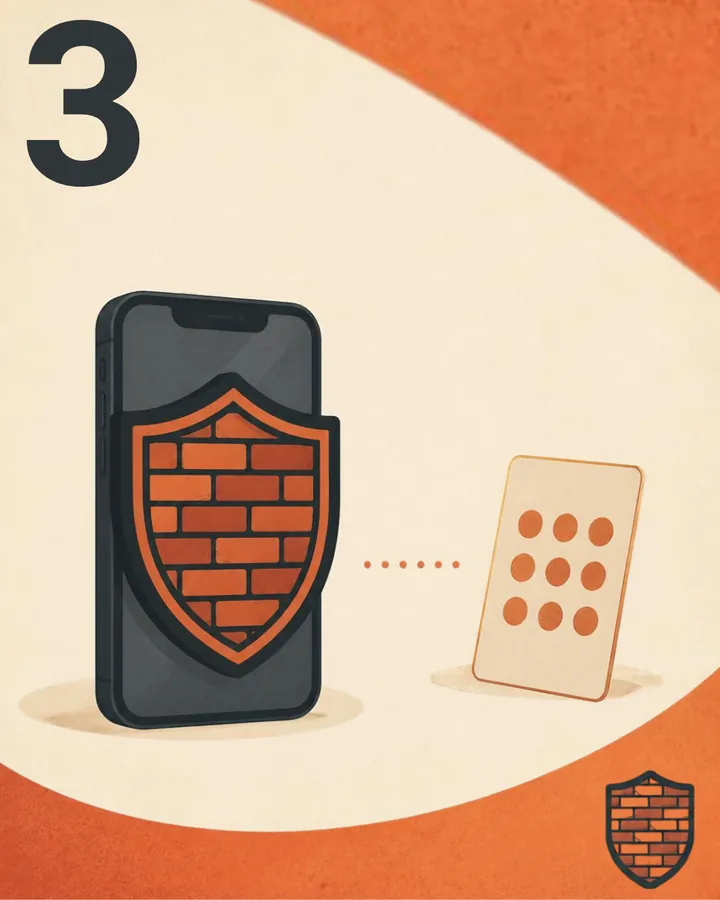
Never reuse your phone's unlock code as the Screen Time or Brickify PIN

Close the side doors
Block every browser, not just Safari. Block the App Store/Google Play store.

Stop the deletion
On iPhone, set a Screen Time passcode and set "Deleting Apps" to Don't Allow. On Android, use Device Owner mode. The onboarding guide helps you set this up.
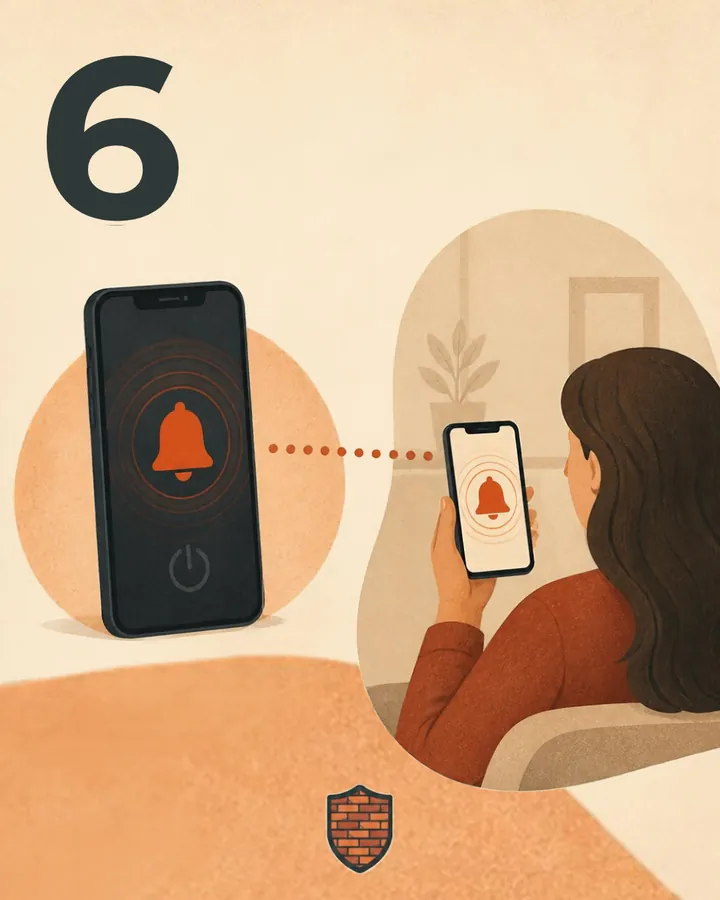
Turn on alerts
So a removed or offline phone tells you, rather than leaving you guessing.

Review regularly
Some families can do this monthly, some weekly. Release an app when it's earned. That's the "grows with them" part.
Brickify won't filter websites inside an app you've allowed, and nothing survives a factory reset, although you get an email when a phone stops checking in, which is what a reset would trigger. So please understand the limitations. But with these seven things and a collaborative approach this can be a positive step for your family!
Useful links
- NSPCC: Supporting children's wellbeing online (for you)
Practical, UK advice on balancing screen time with offline life, talking openly without judgement, and modelling the habits you want to see. - Childline: How to feel good on social media (for your child to read)
Written for young people: how to notice when scrolling has become automatic, why apps are designed to keep pulling you back, and simple ways to take a break. - The Amazing Generation by Jonathan Haidt and Catherine Price (Puffin, 2026, ages 9 to 12)
An illustrated book for children about getting more fun, freedom and confidence from life away from screens. Good to read together.
Ready to Brickify it?
On your schedule. One-time purchase, no tracking.