 Brickify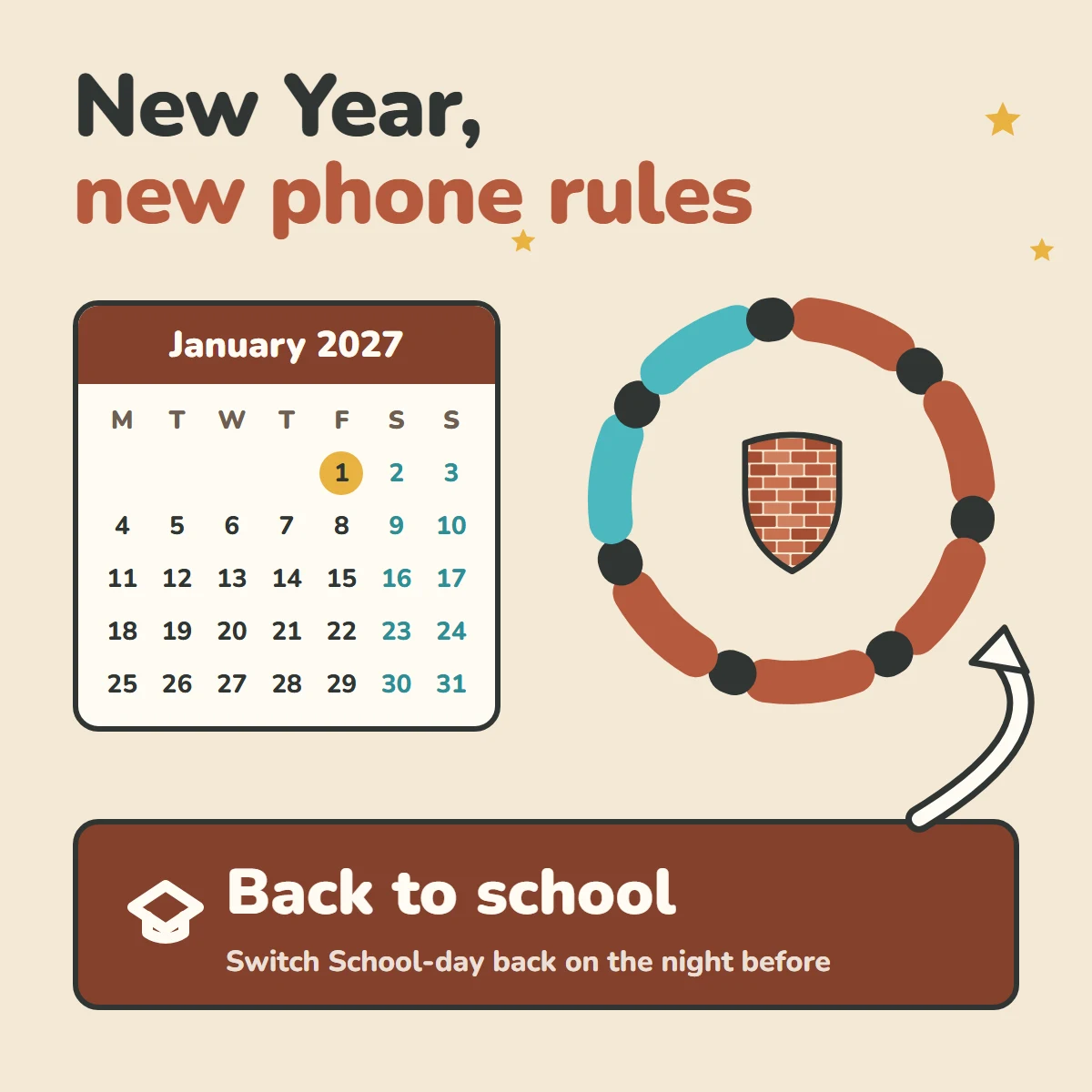
Two weeks of 'it's the holidays' does something to everyone's screen time, yours included. Getting back to normal doesn't need a big speech. It needs four small things, done before term starts.
Do a five-minute review together
Sit down with your child and ask three questions. What worked? What didn't? Do we need to change anything for term time? Let them answer first. If a rule needs changing, change it now, together, rather than in the middle of an argument later.
Switch School-day back on the night before
If you used a looser Holiday profile, switch School-day back on the night before term, not the morning of. Nobody wants that conversation at 7.30am with the school bags by the door.
Check for new apps
New phones, gift cards and bored afternoons can mean new apps. On iPhone and Android, Brickify emails you an alert if a new app appears. On iPhone, it's also worth checking the App Store is still blocked: Settings → Screen Time → Content & Privacy Restrictions → iTunes & App Store Purchases → Installing Apps → Don't Allow. Close the side doors covers the rest.
Do it for yourself too
Brickify works on a parent's phone too. If the holidays loosened your habits as well, give yourself a schedule. A rule is easier to keep when the whole family is keeping it.
Ready to Brickify it?
On your schedule. One-time purchase, no tracking.