 Brickify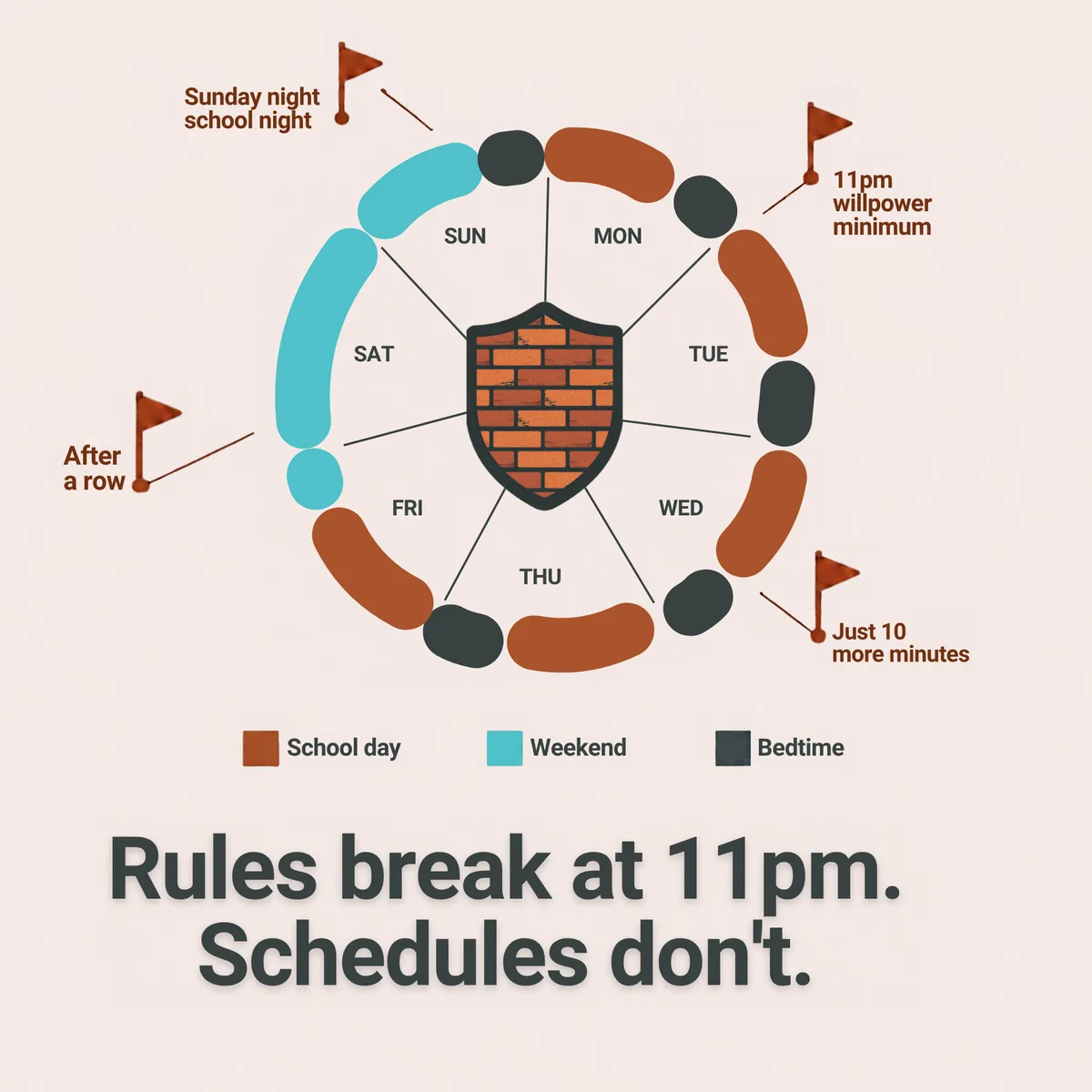
Most families don't fail at setting phone rules. They fail at keeping them, and always in the same places. Willpower, a child's and a parent's, runs out at predictable moments. A good system plans for those moments instead of hoping they won't come.
Where willpower breaks down
When the rules change with the day. School nights should be tighter than Saturdays. Screen Time's Downtime can start at different times on different days, but it has one "Always Allowed" list for every day. If Saturday should include the group chat and Tuesday shouldn't, someone has to change it by hand, twice a week. The week you forget is the week the rule lapses.
Late at night. At 11pm everyone is tired: the child asking for ten more minutes, and the parent deciding whether it's worth the fight. Give in a few times and that becomes the rule.
After an argument. The worst time to set a phone rule is during a row or just after one. Handing the phone back buys peace; taking it away feels like winning. Either way the rule changes for the wrong reason.
When you're not in the room. If the only thing between your child and an app at 10pm in their bedroom is their own self-control, that's a lot to ask of anyone, never mind a 12-year-old.
Rules that don't depend on willpower
Decided once, in daylight. Set up profiles when everyone's calm, such as School day, Weeknight, Weekend and Bedtime, each with its own app list.
Switched by the schedule, not by you. Brickify moves between profiles on its own, so Saturday opens up and Sunday night tightens without anyone touching a setting. At 9pm the schedule is the bad guy, not you.
Two keys to override. Opening up early needs a PIN and a second factor: an authenticator app or an email code. A determined child can't do it alone, and nor can a worn-out parent at 11pm.
Changed on purpose. If a rule is wrong, change it together at a weekly review, not in the middle of an argument.
Willpower isn't a strategy for adults either. Set your rules when your resolve is strongest, then let the schedule hold them. See how setup works, step by step, on the How it works page.
Built on Apple's controls, mitigating one gap Apple hasn't closed
On iPhone, Brickify uses Apple's Family Controls, the same system behind Screen Time. Blocks are enforced by iOS itself, not by an app your child can simply close. To be fair to Apple: for a child under 13 on a Family Sharing child account, Screen Time is free, managed from your own phone, and a good choice.
But there is a gap that affects every app built on Family Controls, which Brickify helps you mitigate. Unless the phone is a Family Sharing child account, anyone holding it can go to Settings, then Screen Time, then Apps with Screen Time Access, and switch an app's access off. No passcode is needed. Apple has only partly fixed this, in iOS 26.4, and the fix is opt-in. (On Android, Brickify's maximum-protection setup has no such switch in Settings.)
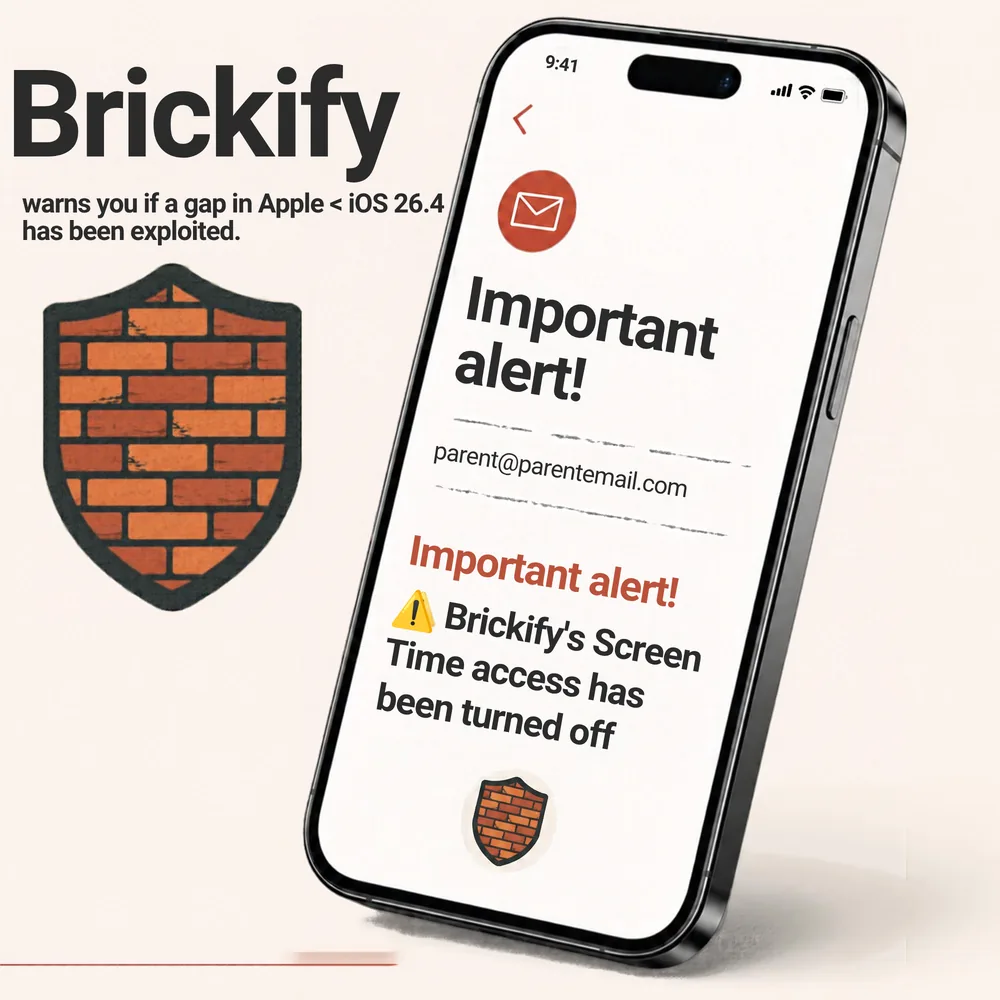
Brickify can't stop that switch being flipped, and we say so on our Known limitations page. What it does is tell you: if access is turned off while a block should be active, Brickify emails you within the hour. Without that, you'd find out when you noticed the phone had been on all evening.
Ready to Brickify it?
On your schedule. One-time purchase, no tracking.